
Scan or import
Capture one or more pages, choose photos, import a PDF, or send a document to ScanMind from another app.
A private paper inbox for iPhone
ScanMind scans paper, recognizes text on your iPhone, extracts useful fields, and files the original into a searchable private library.
One calm workflow
ScanMind keeps capture, review, filing, search, and export in one information structure instead of leaving every scan in a camera roll.
Capture one or more pages, choose photos, import a PDF, or send a document to ScanMind from another app.
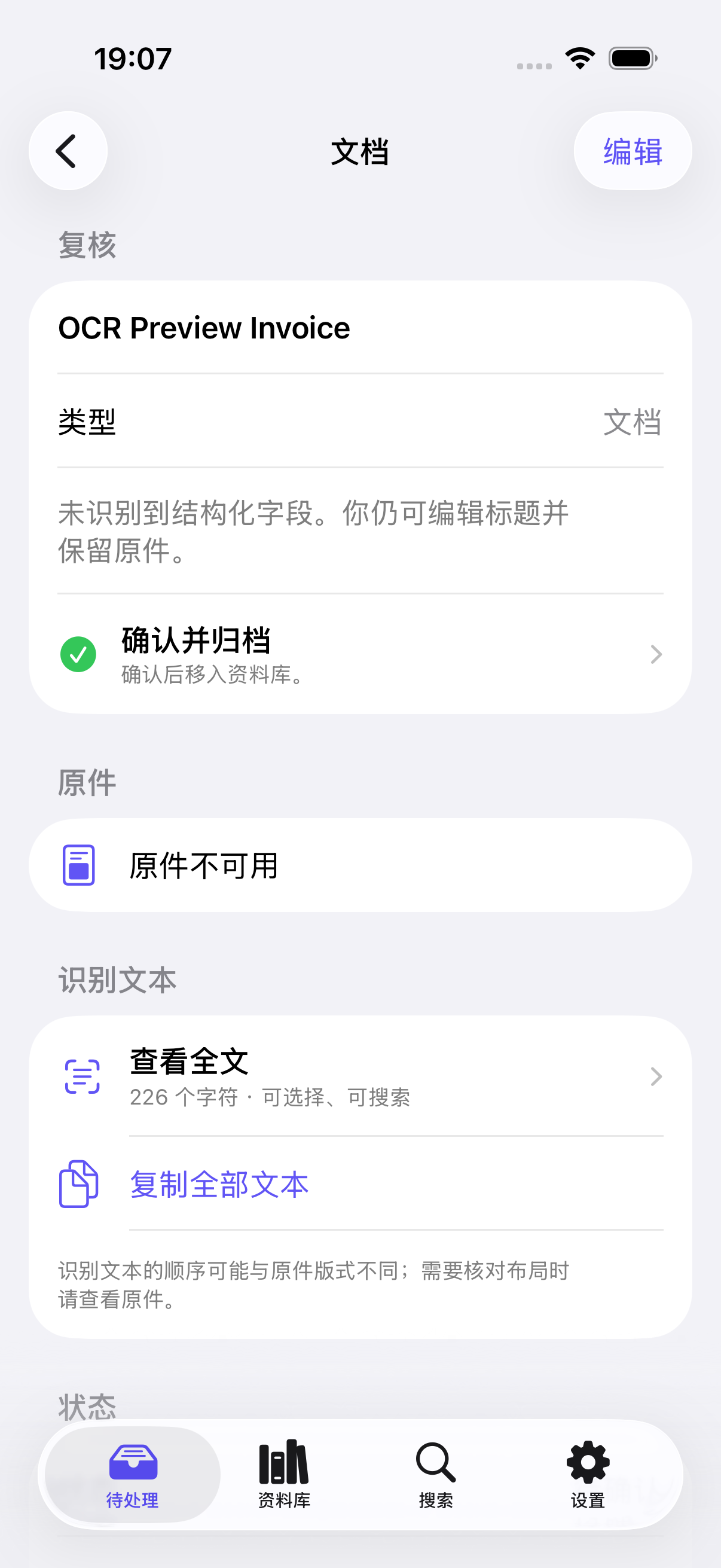
On-device OCR reads English and Chinese text. Supported documents can become editable fields with confidence labels.
Confirm the record, then retrieve it by title, recognized text, type, amount, project, tag, or smart view.
More than a flat PDF
ScanMind preserves the source while turning supported receipts, bills, business cards, and Chinese VAT invoices into records you can review and search.
Field extraction is document-dependent and may require correction. OCR text can differ from the original layout; keep the source for comparison.
Designed to be found later
The inbox is only unfinished work. Confirmed documents move into the library, while search and smart views provide different ways back to the same record.
Processing, failed, and unconfirmed items stay visible without mixing into the archive.
Browse every filed document, restore recent deletions, and open the preserved source.
Find titles for free; Pro adds OCR text and structured filters across the collection.
Privacy without a cloud account
ScanMind does not require an account, use advertising SDKs, or perform remote recognition. Scans, OCR text, extracted fields, and search data stay in the app's private container unless you explicitly export, share, or enable optional iCloud Drive sync.
Read the privacy policyNo ScanMind accountCapture, organize, search, and export without creating a developer cloud identity.
No remote recognitionCurrent OCR, classification, and field extraction run on your iPhone.
You choose when files leaveExport, share, and optional iCloud Drive sync are explicit actions.
A simple business model
Core capture, OCR, original access, title search, and watermark-free PDF export remain available without Pro. The free tier includes five automatic organization runs per calendar month.
Unlimited automatic organization, full-text search and filters, smart views, reports, projects, tags, batch import, and optional iCloud Drive sync.
Storefront price is displayed by Apple inside the app. Final availability is subject to App Store approval.Quick answer
A private document scanner minimizes where document content travels. ScanMind performs text recognition and current field extraction on the iPhone, requires no ScanMind account, and includes no advertising or cross-app tracking SDK. Files leave the app when you deliberately export or share them, or when you enable optional sync to your own iCloud Drive. Device backups, iCloud, and destinations selected in Apple's share sheet have their own privacy behavior, so local-first does not mean a document can never exist outside the phone.
Product facts reviewed July 27, 2026.
Useful before launch
Use the printable document-scanning checklist for lighting, alignment, privacy, review, and export.
Open the scan checklist